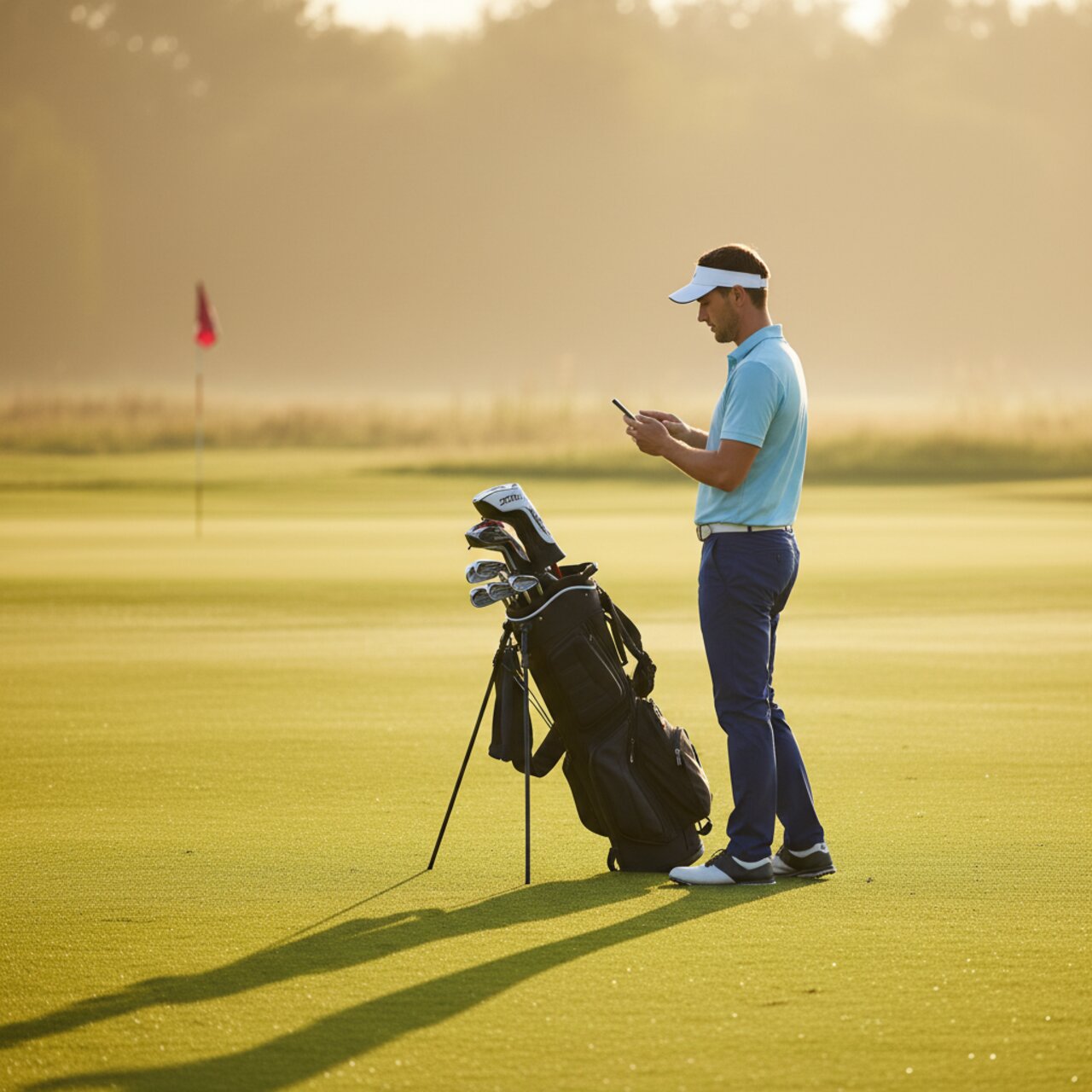
How to Use golfity During Your Round: On-Course Best Practices
Tracking a round only works if it survives the tee-to-green reality of a live round. Here is how to use golfity on the course without losing pace or accuracy.

Using a golf app during your round is a balancing act. Enter too much and you hold up your group. Enter too little and the numbers you get back are thin. golfity is built so you can capture real shot data without becoming the person everyone waits on. The trick is knowing what to log on the course and what to leave for the drive home.
Here is how experienced golfity users handle a live round from the first tee to the last putt.
Set Up Before the First Tee
The fastest on-course tracking happens when nothing surprises you at the turn. Two minutes in the parking lot saves you five over 18 holes.
Pick your course and tees before you start. golfity remembers your recent courses, so most rounds are two taps. Confirm your club setup is current if you changed anything in the bag, since accurate clubs feed better shot data later.
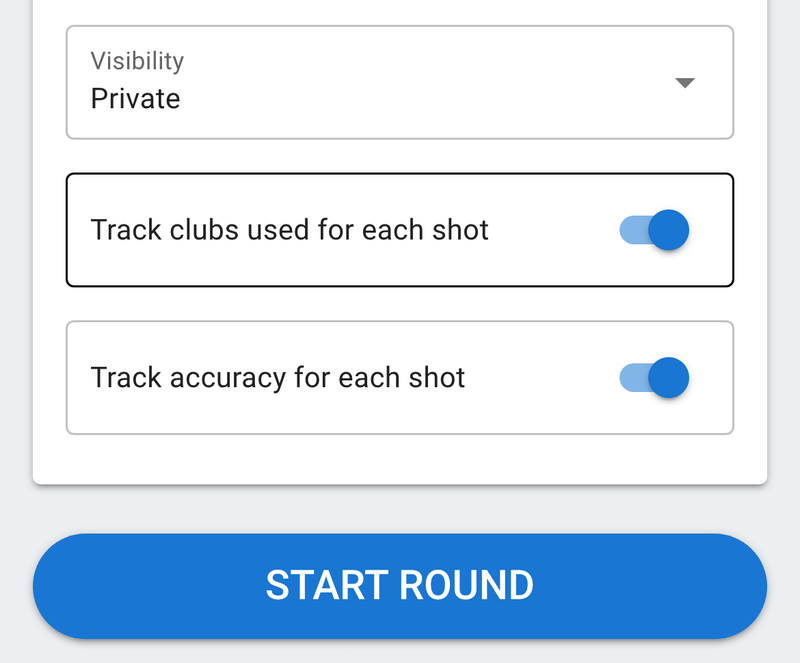
Decide your tracking depth for the day. A Tuesday practice round can handle full shot-by-shot entry. A Saturday game with a full group usually calls for something lighter. golfity lets you switch how you track a round whenever you want, so there is no wrong choice.
Using a Golf App During Round Without Slowing Play
Pace is the real test of any golf app during a round. The habit that works: log your shot right after you hit it, while you walk to the ball. Standing over the phone at address is where groups lose time.
A few rules that keep you moving:
- Enter as you go, not all at once. Tapping one shot takes a couple of seconds. Reconstructing a hole on the next tee takes thirty and invites mistakes.
- Ride the cart-path or walk time. The gap between shots is dead time anyway. That is your entry window.
- Never track on the green while others putt. Read your putt, hit it, then log it once you are walking off.
If your group plays fast or the course is packed, drop the shot locations and skip club selection and accuracy tracking. You still get scoring and putting data, and you can add detail on the rounds where you have room to breathe.
What to Capture Live vs. Later
Some data has to be recorded in the moment because you will not remember it. Some can wait.
Capture live: where each shot finished, your putts, and any penalty. These are the details that fade fast once you are on the next hole. A missed fairway left or a shot that leaked into the trees is obvious now and a blur three holes later.
Fine to add later: notes, minor stat corrections, and full total-score entry if you chose the lightest method. You can finish the scorecard from the clubhouse or the car and the round still lands in your history.
The one thing worth doing in real time is marking a blow-up hole honestly. It stings to enter a 9, but skipping it quietly wrecks your strokes gained picture and your handicap.
Handle Dead Spots and No Signal
Courses have dead zones. golfity works offline while you track and syncs when you reconnect, so a hole in the back corner with no bars is not a problem. Enter as normal and let the app catch up in the parking lot.
Battery matters more than signal on a long day. If you are walking 18 in the heat, turn your screen brightness down and close other apps before you start. Shot entry is light on battery, but GPS-heavy apps running in the background are not.
Finish the Round Before You Leave
The best on-course habit is a thirty-second review before you put the phone away. Check that every hole has a score, your putt counts look right, and no hole got skipped. Fixing a gap now is easy. Reconstructing it tomorrow is guesswork.
Once the round is saved, golfity turns your on-course taps into scoring trends, category breakdowns, and handicap movement. Download golfity and try tracking your next round hole by hole, then let the strokes gained calculator show you where those shots actually went.