Your Score Trend, Made Shareable
One round is a data point. The score trend card is the shape of your last month — and it is built to leave the app.

A single 79 tells your group chat almost nothing. It does not say whether that 79 is a breakthrough, a regression, or just Tuesday. The story worth posting is the line: where this round sits against the ones before it.
That is what golfity’s My scores card is for. After you save — once you have at least three rounds in history — the post-round carousel includes a slide that plots recent totals and drops this round onto the line. The same card exports for Instagram, WhatsApp, or anywhere else the share sheet goes.
Seeing the round on the line
Open the carousel after a save and swipe to My scores. You get a green trend of your recent scores with this round marked in the sequence. Dense weeks look like a heartbeat. Quiet months stretch out. Either way, the question shifts from “what did I shoot” to “where is this sitting.”
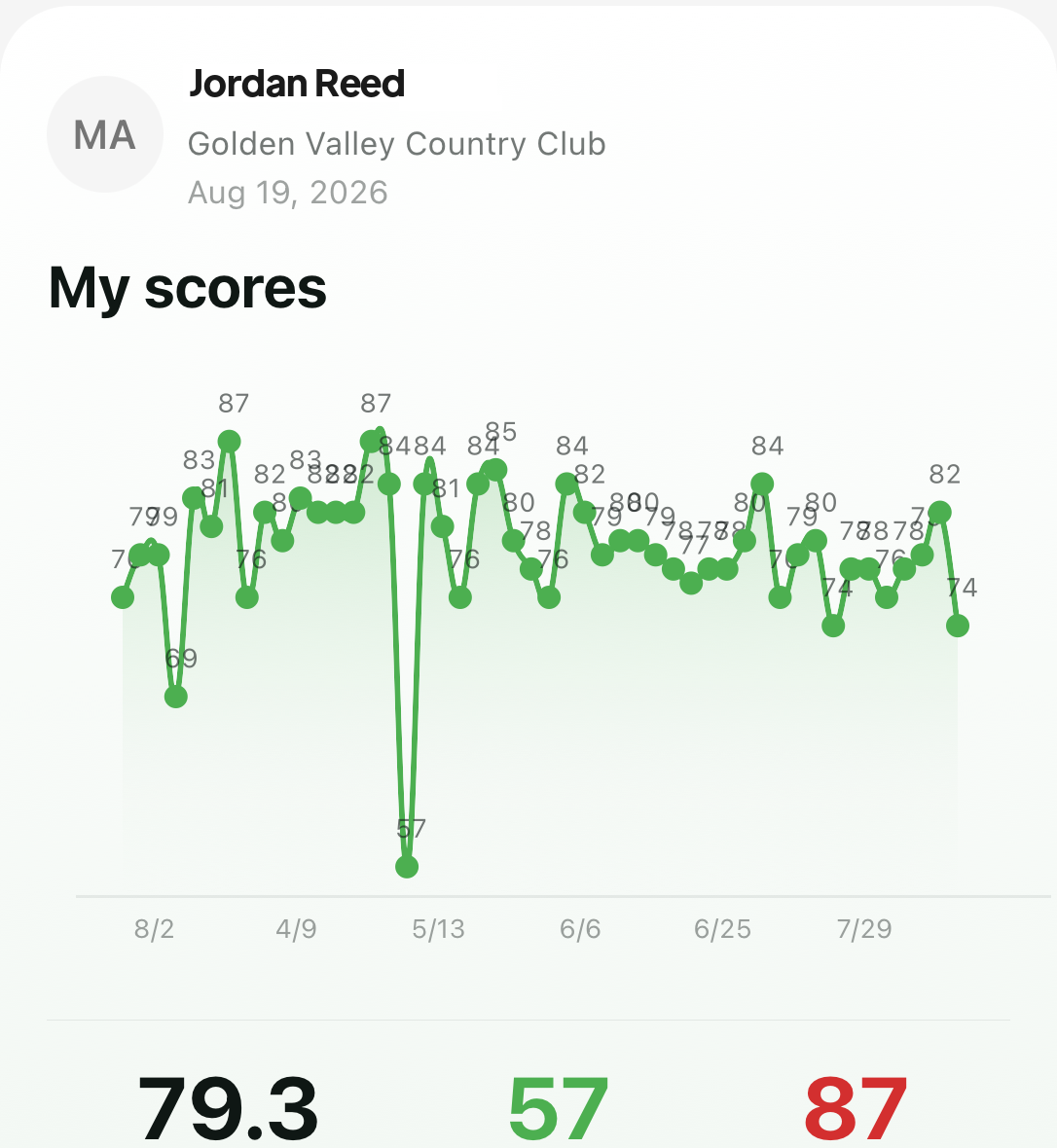 The carousel version: today’s number in the context of the stretch you have actually been living.
That is the improvement claim in product form — watch the number move — without forcing anyone to open the full stats tab. The deeper scores history still lives under Stats when you want filters and longer windows; the card is the portable cut.
Sharing the trend, not the humblebrag
The export is the same chart in share-card form: your name, the course, the date, the line, and the golfity mark at the bottom. Friends see movement. They do not see a cropped screenshot with your battery percentage.
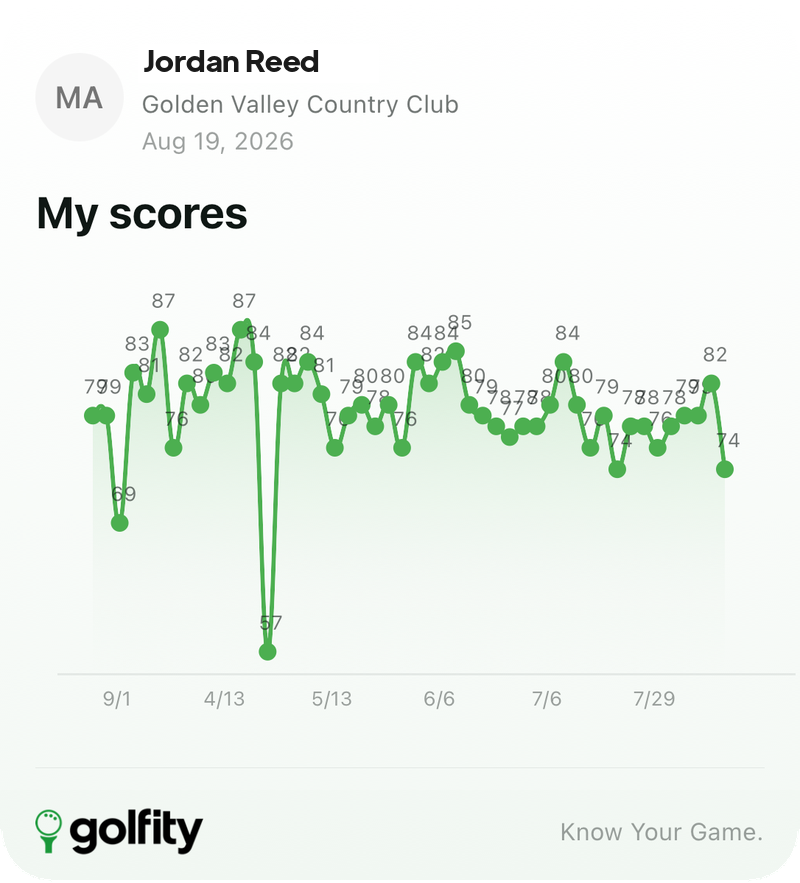 Built for the share sheet. The caption writes itself: here is the stretch, not just today’s total.
Use it when the round was ordinary on paper but the trend is finally bending the right way. Or when the round was loud and you want the chart to keep everyone honest about how rare that spike is. The share cards overview covers the rest of the deck; this card is the one that belongs to improvement, not to a single afternoon.
What you need for the card to appear
Three conditions:
- At least three scored rounds in your history. Two dots are not a trend and golfity will not pretend they are.
- A finished round so the carousel can place the new point on the line.
- Willingness to share the stretch, not only the highlight. The card includes the ugly weeks on purpose.
You can reopen the deck from any past round later, so the trend card is not locked to the ten seconds after save. When the line finally looks like the golfer you meant to be, send that — not a photo of the paper card on the car roof.
Pair it with the post-round carousel for the full walkthrough, or with stats history when you want the longer view inside the app.