
How to Read Your Round Summary in golfity
When you finish a round, golfity builds a swipeable round summary. Here is how to read every page, from the color-coded scorecard to your strokes gained breakdown, and turn it into your next practice plan.

When you finish a round, golfity builds a swipeable round summary. Here is how to read every page, from the color-coded scorecard to your strokes gained breakdown, and turn it into your next practice plan.

The golfity dashboard is a feed of your rounds, newest first. Here is how to read every card, from the stats row to the strokes gained chart, without opening a single round.

New to golfity? This getting started guide walks you through account setup, club configuration, tracking your first round, and reading your strokes gained stats.

You do not need to track everything from day one. Start with five simple stats, build the habit, and graduate to strokes gained when you are ready. Here is exactly what to measure and why it matters.

Tracking your scores does not have to mean slow play. With the right approach, you can capture useful data during your round in seconds per hole — and actually improve faster because of it.
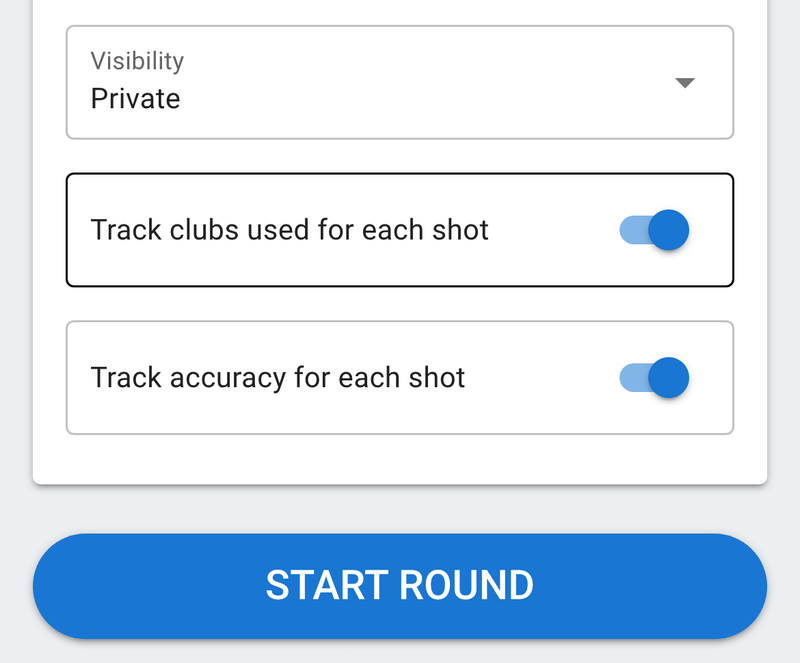
Streamline your round tracking with the new option to skip club selection and accuracy tracking for all shots in golfity.