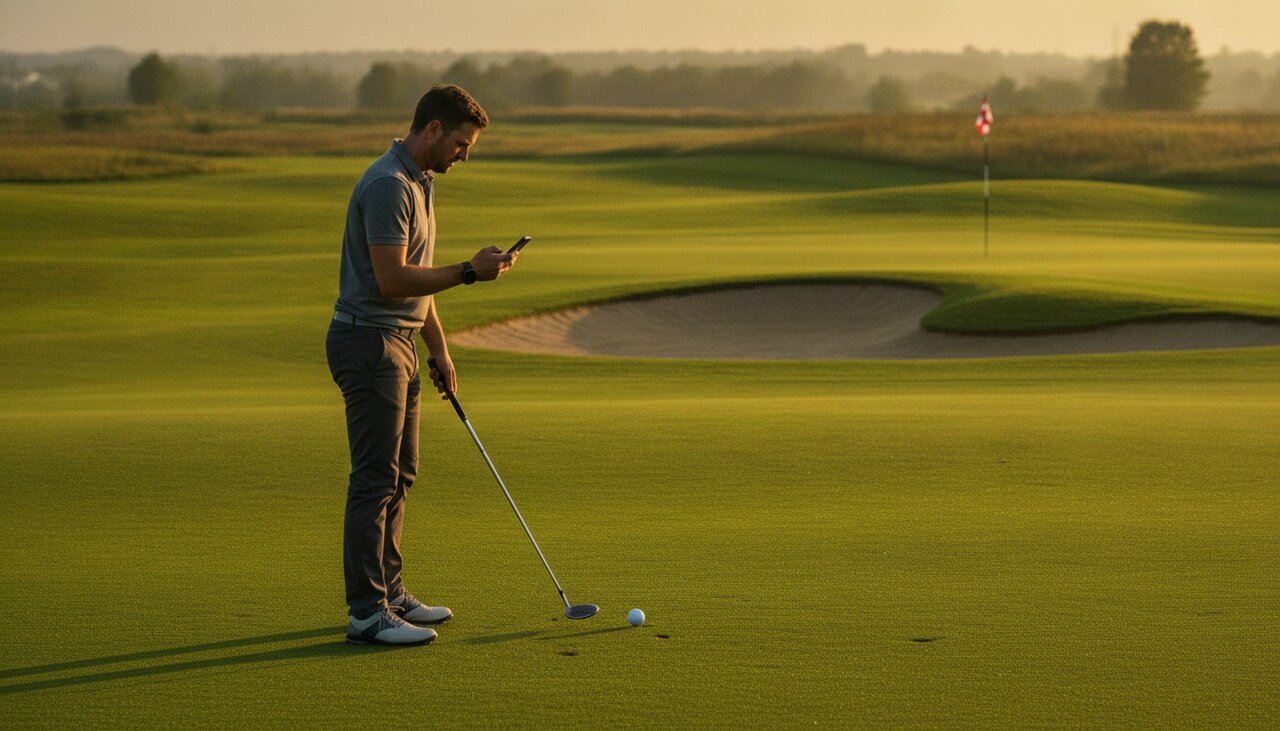
The Best Golf Statistics to Track (Without Sensors or Hardware)
Sensor systems like Arccos and Shot Scope are useful, but you can build a serious analytics picture with nothing but a scorecard, a phone, and a few seconds per hole.

Arccos. Shot Scope. Garmin Approach. They all promise the same thing: stick sensors on your clubs, walk the course, and watch the data fill in by itself. The pitch is appealing, but it costs $200–$400 up front, depends on a phone in your pocket with GPS running, and still misses or duplicates shots often enough that most users end up editing rounds anyway.
You can track the best golf stats no hardware ever touched. With a scorecard, a phone, and ten seconds per hole, you can build a dataset that is just as actionable as a sensor system—sometimes more so, because you actually pay attention to your shots while logging them.
Here are the stats worth tracking manually, in order of impact.
1. Score by Par Type
What it is: Your average score on par 3s, par 4s, and par 5s, tracked separately.
Why it matters: This is the single most revealing stat you can get from a scorecard alone. A 90-shooter who averages +1.8 on par 3s, +1.2 on par 4s, and +0.4 on par 5s has a very different game from a 90-shooter who averages +0.5 on par 3s, +1.4 on par 4s, and +2.0 on par 5s. Same score, different problems, different practice plans.
How to track it manually: Write your score next to each hole on the scorecard as usual. At home, type the 18 numbers into a spreadsheet column or into golfity. The app splits the averages automatically.
What to look for: Compare each par type to your overall scoring average. A gap of more than half a stroke either direction is a signal. Bad par 3s usually mean iron play. Bad par 5s usually mean course management or long-iron approaches. Bad par 4s are the default and tell you nothing on their own.
2. Greens in Regulation (GIR)
What it is: The percentage of holes where you reach the green in regulation—green by stroke 1 on a par 3, stroke 2 on a par 4, stroke 3 on a par 5.
Why it matters: GIR is the cleanest single-number predictor of scoring at the amateur level. A 5-handicap averages around 50% GIR. A 15-handicap averages around 20%. A 25-handicap is under 10%. If you want to know what handicap you are heading toward, this number tells you.
How to track it manually: Add a tick mark next to the hole when you hit the green in regulation. Eighteen ticks fit in a margin. At the end of the round, count the ticks and divide by 18.
What to look for: Splits matter more than the average. If your par-3 GIR is decent but par-4 GIR collapses, your approach play from 150+ yards is the gap. If both are low, the issue is upstream—usually tee shots leaving you in trouble.
3. Fairways in Regulation
What it is: The percentage of par 4s and par 5s where your tee shot finishes in the short grass.
Why it matters: Fairways in regulation is less important than most golfers think (proximity to hole and avoiding penalties matter more), but it is still the easiest way to spot a chronic tee-ball problem. If you are hitting 20% of fairways, no amount of putting work will fix your score.
How to track it manually: Three symbols are enough. Tick for fairway, L for left miss, R for right miss. That gives you both the percentage and the miss pattern in one stroke of the pencil.
What to look for: A consistent miss side (10 of 14 tee shots right) is much more useful than the raw percentage. It tells you what to work on and how to play the course next time.
4. Putts Per Hole and Three-Putt Count
What it is: Total putts per round, plus a count of how many three-putts (or worse) you had.
Why it matters: Raw putts per round is a noisy stat—it is heavily contaminated by how close your approach shots leave you. But three-putt count is clean. Three-putts almost always represent a real putting failure, either on the lag or on the second putt. The average 15-handicap three-putts 2–3 times per round. Cutting that to 1 saves 1–2 strokes a round with no swing change.
How to track it manually: Write the putt count next to each hole. Circle any hole with 3+ putts so you can see them at a glance.
What to look for: If most three-putts come from outside 30 feet, your lag distance control needs work. If they come from 15–25 feet, you are leaving the first putt in a bad spot. Both are fixable.
5. Up-and-Down Percentage
What it is: When you miss the green, how often you get up and down—chip (or pitch) on, one putt, done.
Why it matters: Short game is where mid-handicaps lose the most strokes that they could most easily save. The up-and-down stat directly measures your scrambling skill, and unlike full-swing stats, it can be improved quickly with focused practice.
How to track it manually: On any hole where you missed the green, write the chip-on distance and the putt that followed. If you holed the putt, it is an up-and-down. If you did not, it is a missed save.
What to look for: Distance matters. Up and down from greenside rough at 10 feet is a different stat from up and down from 40 yards with a deep bunker between you and the pin. Note the situation, not just the result.
The Hidden Stat: Approximate Proximity to Hole
If you carry a rangefinder or use a GPS app (free ones are everywhere), you can add the single most useful “advanced” stat to your manual tracking: distance from the pin after each approach shot.
You do not need exact yardage. After the approach, walk to your ball, ranged the flag, and note the distance. That is a 5-second habit. Over 20 rounds you will have a proximity-to-hole average broken down by yardage range, which is the same dataset Arccos sells you—just collected by hand.
This is the stat that powers strokes gained on approach, and it is the biggest differentiator between handicap levels.
Can You Get Real Strokes Gained Without Sensors?
Yes. This is the part most golfers miss when comparing tracking systems.
Strokes gained is a calculation, not a sensor reading. As long as you can tell the app:
- Where the shot started (tee, fairway, rough, sand, green)
- How far the shot was
- Where it ended up
…you can compute strokes gained with the same accuracy as a sensor-based system. The math is the math. Mark Broadie’s research is built on inputs you can capture by hand.
This is the philosophy behind golfity. The app is built for manual entry by golfers who do not want to wear sensors, do not want a phone running GPS in their pocket all day, and do not want to pay a hardware tax for analytics. You log a round in roughly the same amount of time it takes to update a handicap app, and you get full strokes gained by category, putts by distance, awful-shot detection, and benchmarks against your handicap level.
A Realistic Workflow
For a single round, the manual stack looks like this:
- On the course: mark the scorecard normally. Tick fairways, GIR, and putts per hole. Range and note distance after approach shots if you can.
- After the round: spend 5–10 minutes entering the round in golfity. Add club and lie for each shot when you remember; skip when you do not.
- Weekly: look at your strokes gained breakdown and your three worst categories. That is your practice list for the week.
You will have more useful data after five rounds of this than most golfers ever extract from a sensor system they never bothered to learn.
When Hardware Does Make Sense
Sensor-based tracking is genuinely useful in a few specific cases: you play a lot of tournament golf and cannot stop to log shots, you want club-level distance averages for fitting purposes, or you simply prefer the convenience and have the budget for it.
For everyone else—the weekend golfer, the once-a-week player, the golfer breaking 90 or 80 for the first time—manual entry is faster to learn, cheaper to run, and produces a more thoughtful dataset because you are paying attention to each shot as you record it. The best golf stats no hardware can replace are the ones you actually understand.